

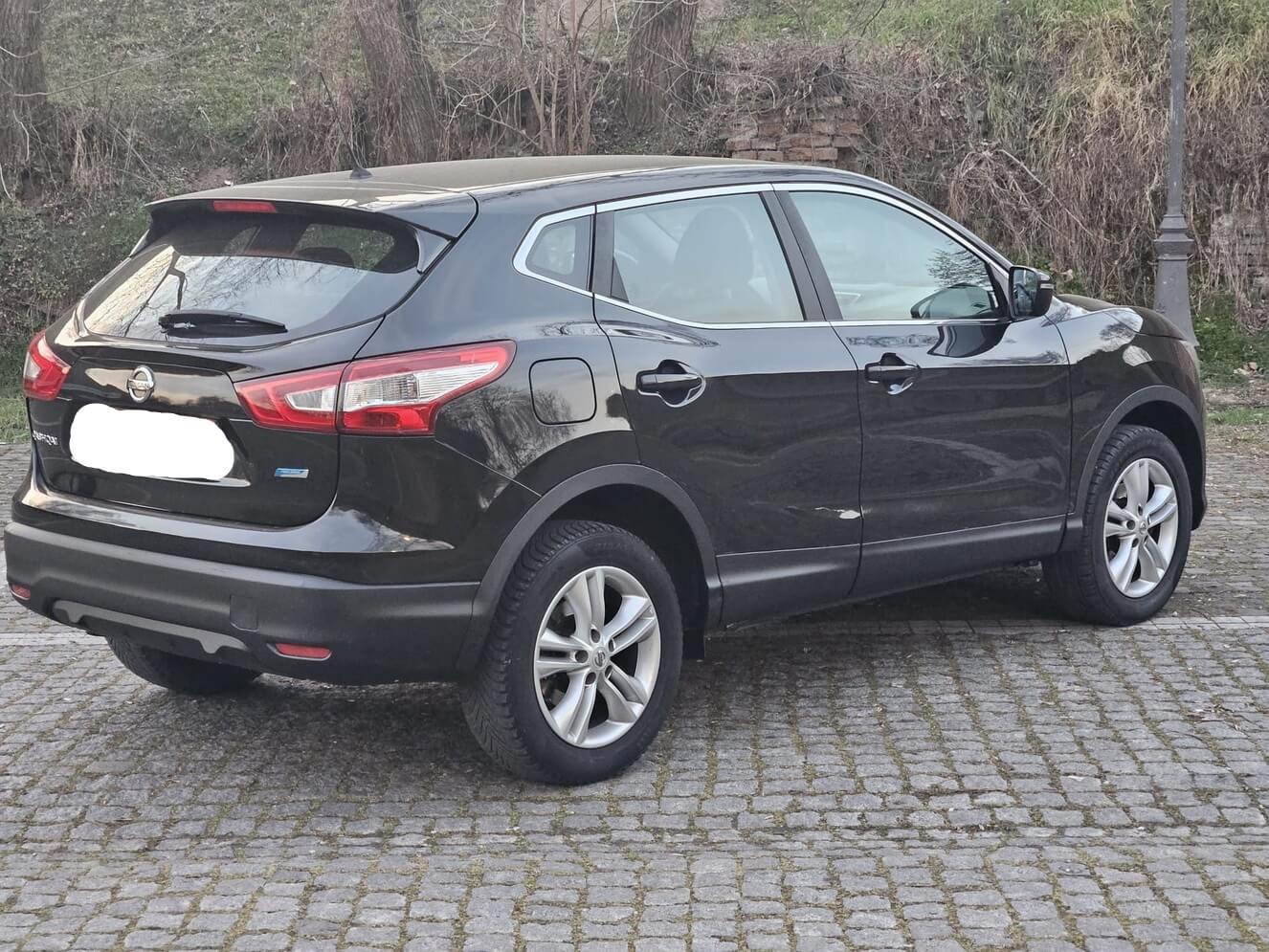
My Nissan Qashqai J11 was fitted with winter tyres. The tyre fitting technician inflated the tyres up to the required pressure. After a few days of driving without problems, the Low Tyre pressure error began to appear. The triangle with an exclamation mark appears, but I am not having any issues while driving. It’s only that this warning has started to get on me. The tyres are normal. What could cause this problem?
The exclamation mark inside a triangle of yellow that appears in the instrument panel along with the low tire pressure warning is one of the most frequent warnings Nissan Qashqai owners encounter. These warnings should not be ignored as they are vital for safe driving. These warnings can be found in J10 and J11 body Qashqai vehicles and are usually resolved by a simple reset and check procedure.
Why does the low tyre pressure warning come on?
The Nissan Qashqai TPMS (Tyre Pressure Monitoring Systems) alerts drivers when the tyres pressure drops below the prescribed level. This system helps to improve safety, road holding and fuel consumption. A yellow warning light will appear on the instrument panel along with a tyre icon in the event of a drop in pressure. If the pressure drop is a danger to driving safety, then an exclamation mark within a triangle light will also be illuminated.
The following can cause this situation:
The first thing to do is check the pressure.
Tyre Pressure is Normal, But Why Isn’t the Warning Going Off?
The warning light may still be on even though all tires are at the correct pressure. The TPMS needs to be reset. This reset procedure is easily done in Qashqai vehicles via the vehicle display.
How to Reset the Nissan Qashqai Tyre Pressure Warning?
How to Reset the Nissan Qashqai Tyre Pressure Warning?
Check Your Tyre Pressure
Check the pressure in all tires. For Qashqai, the recommended pressure ranges from 33 to36 PSI. This varies between the front and back axles. You should still check the values on the label in the door. You can move on to the next step if the pressures are correct.
Use the Controls on the Steering Wheel
You must use the steering wheel controls to navigate the menu after starting the car. You can also access the menu settings by pressing the button for forward movement.
Settings → Enter Maintenance Menu
Log in and select the Settings option from the menu. Next, select the Maintenance tab under the subheadings.
Select the Tyre Option
In the Maintenance menu, you can find the Tyre section. This section allows you to access the TPMS settings.
Reset using the ‘Reset’ option
Select the Reset option in the last step. The system will now be able to recognize the sensors and the warning light will disappear within seconds. This method ensures that the warning light will disappear completely if the problem does not relate to pressure.
I guess your TMPS sensors defecated.